
Go native iOS when…
- Your buyers are mostly on iPhone
- You want widgets, Live Activities or Apple Watch
- You use HealthKit, ARKit or Core ML
- Polish is part of your brand

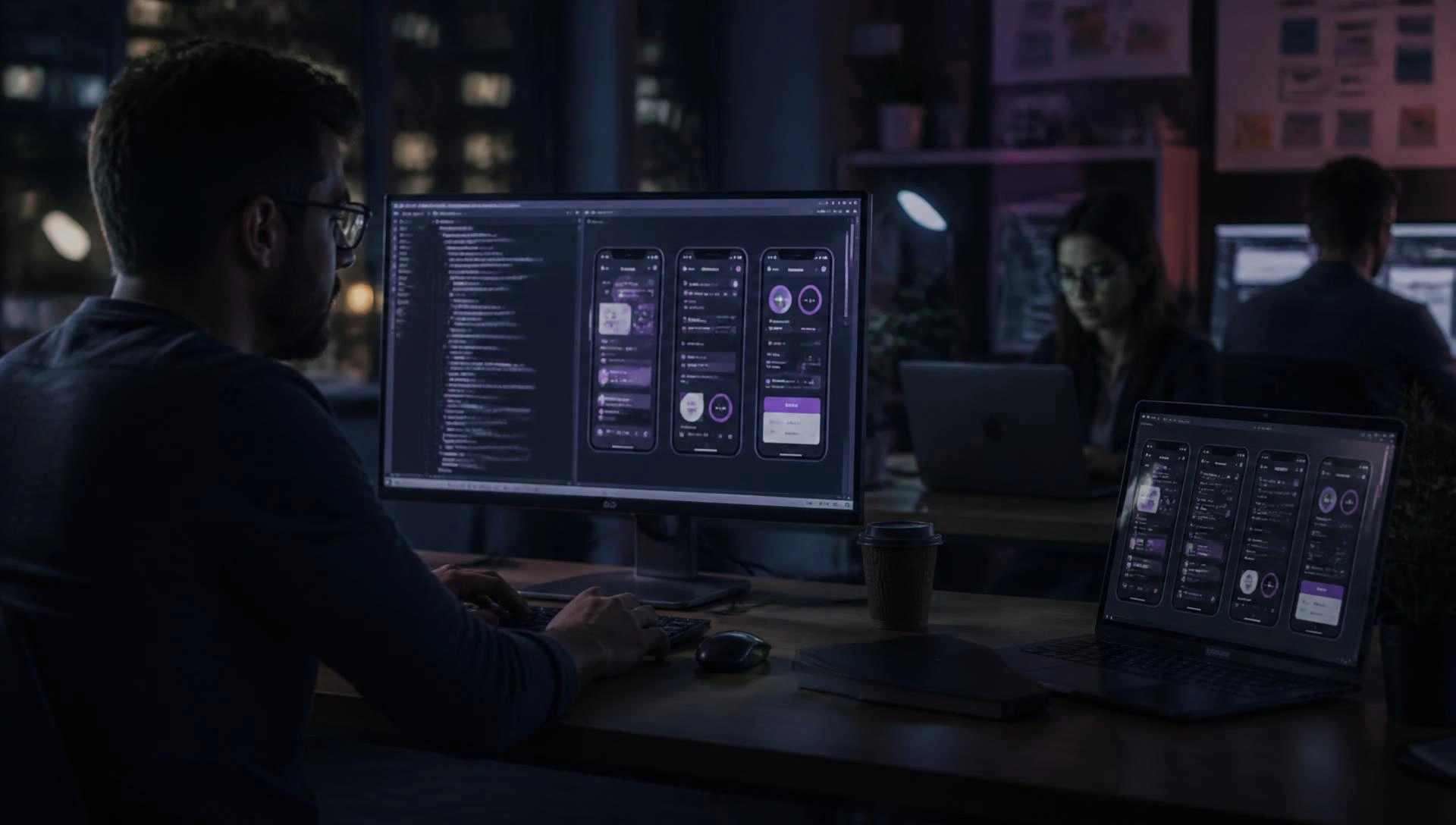
A slightly laggy scroll, a button in the wrong place, a screen that ignores Dark Mode. iPhone owners spot it, and they're often the customers who spend the most. Softfix builds native iOS apps in Swift that feel like they belong on the phone, and gets them through Apple's review the first time.
Ready for Sale
Approved on first submission
Privacy nutrition labels filled in
App Tracking Transparency prompt
Sign in with Apple offered alongside Google
Subscriptions via StoreKit, restore button present
Demo account shared with reviewer
Submitted
Mon 10:12
In review
Tue 09:30
Approved
Tue 16:40
Often not. Flutter or React Native puts you on both stores for less. Native Swift is worth it when iPhone users are your main market or the app must feel premium.
Swift app development and SwiftUI app development for new apps. Existing Objective-C apps keep running, with Swift added bit by bit.
| Swift / SwiftUI | Objective-C | |
|---|---|---|
| Readability | Clean, modern syntax | Verbose, older style |
| Safety | Optionals and strong typing catch bugs early | More room for runtime crashes |
| New Apple features | Widgets, Live Activities, watchOS first | Possible, but awkward |
| Hiring developers | Easy | Getting harder each year |
| Our pick | All new apps | Maintaining or migrating older apps |
iOS application development company · iPhone app development company · iOS app development agency. One team for iOS app design and development, backend and support.
 01
01
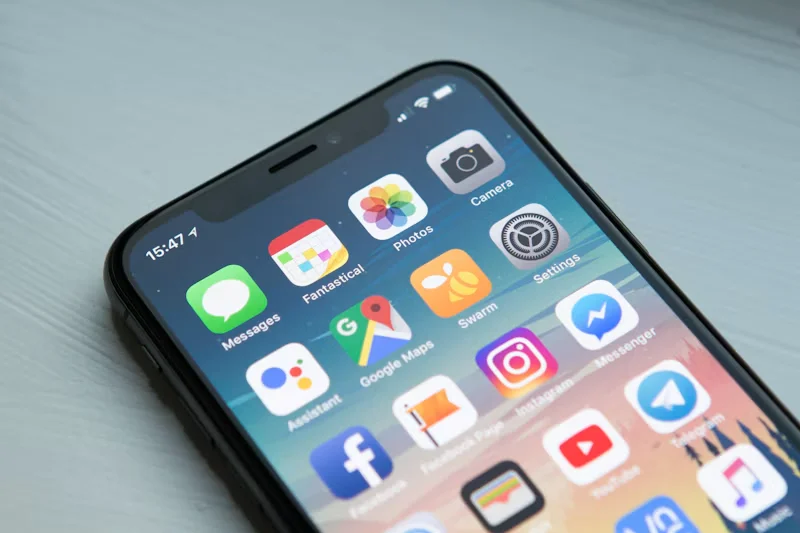
Native iPhone apps that handle the notch, Dynamic Island, Dark Mode and larger text sizes properly.
 02
02
SwiftUI first · UIKit where needed · smooth at 120 Hz.
 03
03
Apple Human Interface Guidelines · natural gestures · familiar navigation.
 04
04
APIs, database, admin panel and cloud hosting behind the app, with CloudKit where it suits.
 05
05
Maps · payments · chat · analytics · CRMs · no lag or battery drain.
 06
06
Old and new iPhones and iPads · TestFlight betas.
 07
07
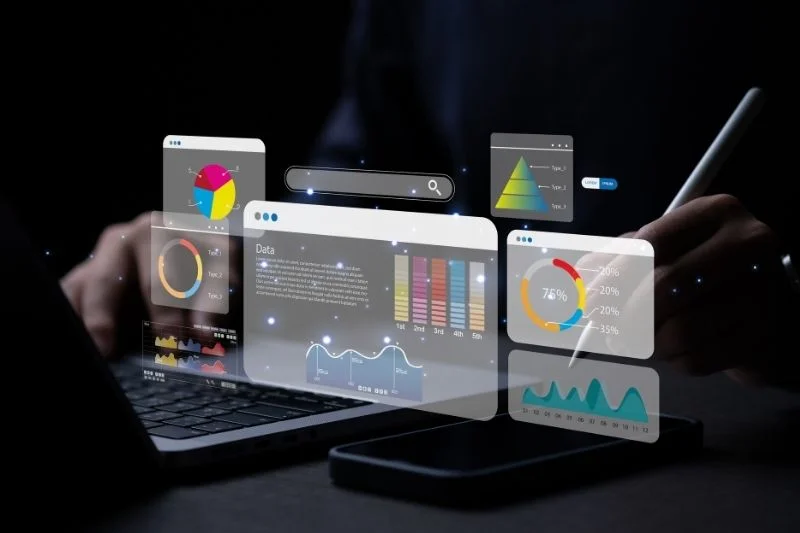
We profile with Instruments to cut launch time, memory use and dropped frames.
 08
08
App Store Connect setup · screenshots · privacy labels · review notes · rejection replies.
 09
09
A new iOS ships every September. We test against the betas over summer so nothing breaks on release day.
 10
10
Apple Business Manager · MDM · SSO · managed configuration.
 11
11
Objective-C maintenance · screen-by-screen move to Swift.
Send us the rejection message. We'll tell you what Apple wants and how to fix it.
Get helpOne SwiftUI codebase for iPhone, iPad and Apple Watch, with a layout for each.
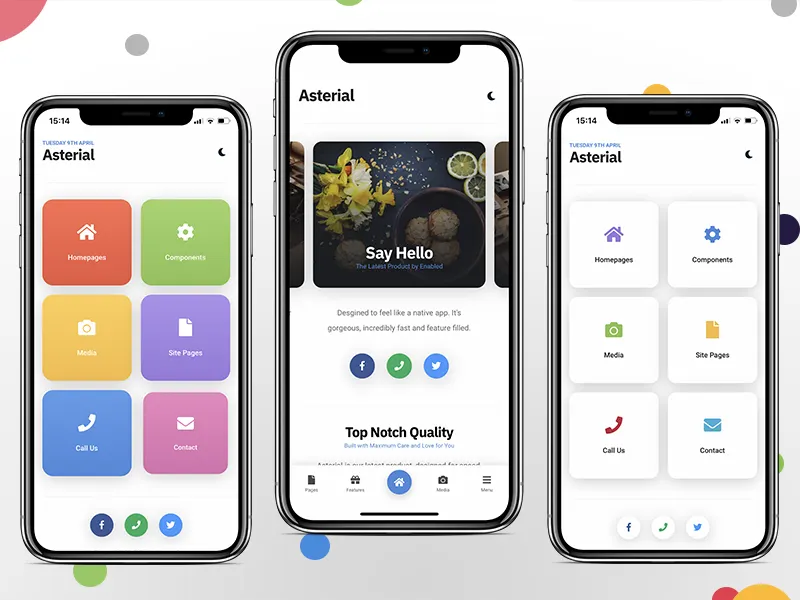 iPhone
Main app · home-screen widgets · Live Activities for delivery status.
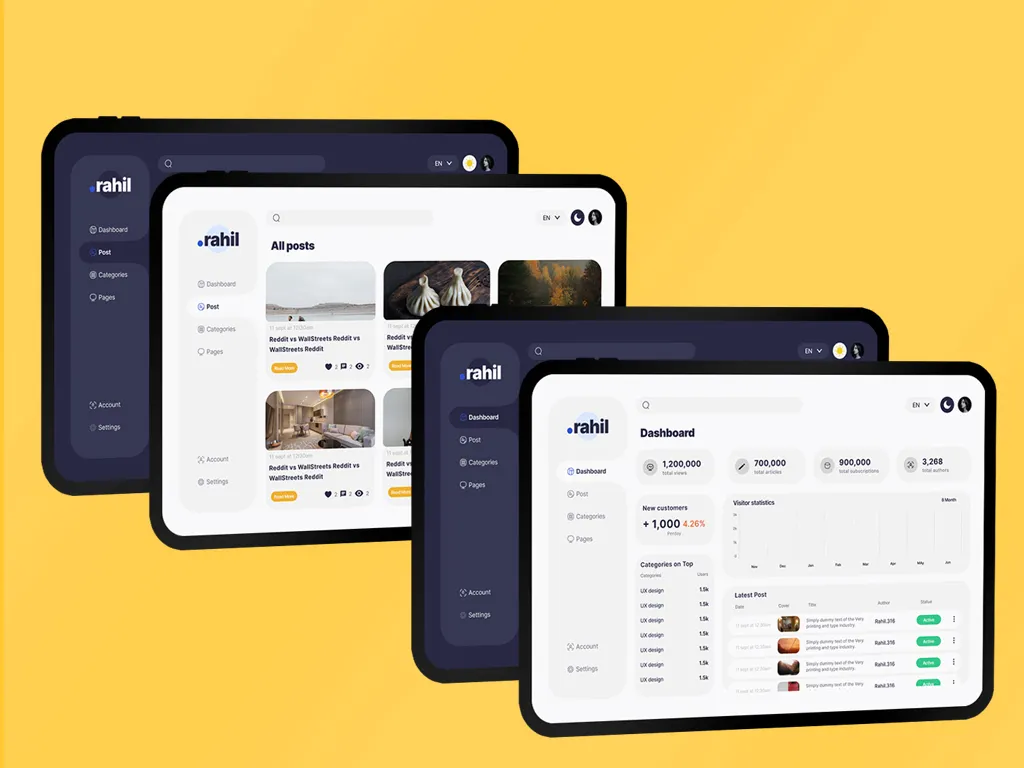 iPad
iPad
Split view · Apple Pencil · keyboard shortcuts · clinics, classrooms, retail, field sales.
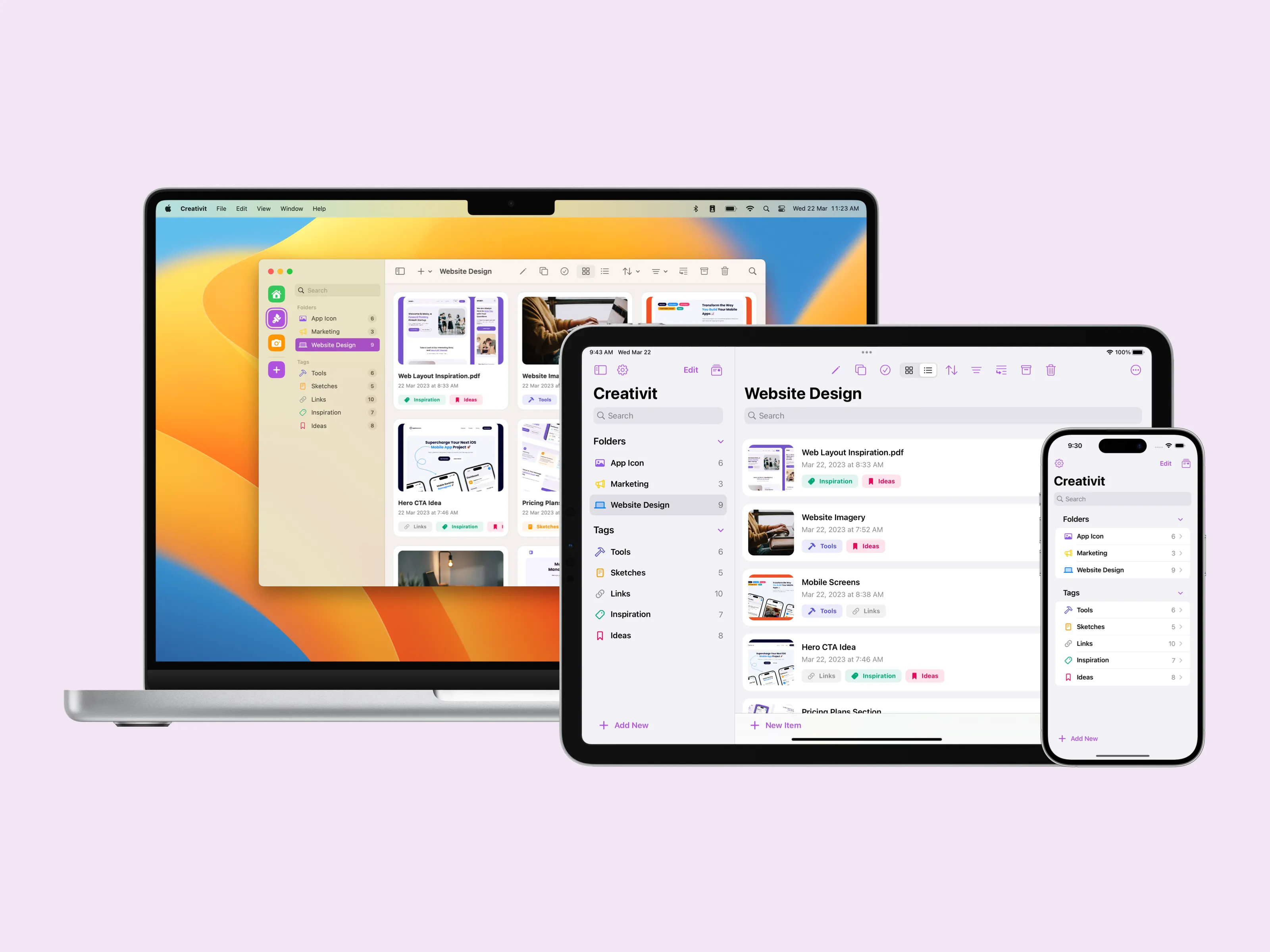 Watch
Watch
Complications · HealthKit data · quick replies · reminders.
Apple's review is stricter than Google's, and rejections delay launches. We pre-check the usual reasons.
Pre-submission
The usual rejection reasons, checked first
Digital content must go through Apple's in-app purchase; physical goods and services can use Razorpay or Apple Pay. We set it up the right way round.
Privacy labels · clear permission prompts · tracking consent · in-app account deletion.
Sign in with Apple where it's required, and a working demo account for the reviewer.
Apps that are just a wrapped website get bounced. We make sure yours offers real native value.
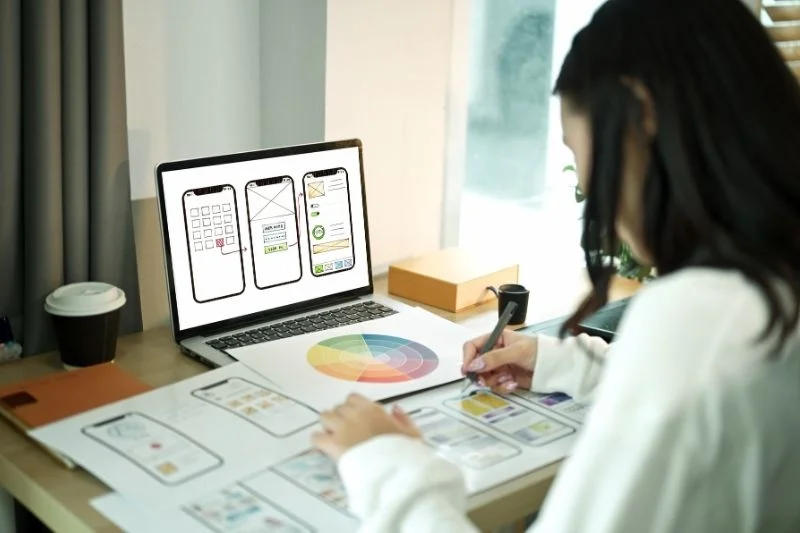
Figma prototypes · tried on your iPhone · before coding.
APNs · rich and time-sensitive alerts · sent only when useful.
StoreKit 2 subscriptions · one-off purchases · Apple Pay for physical orders.
Razorpay, Stripe and UPI for goods and services, following Apple's payment rules.
SwiftData or Core Data keeps things working on a flight, then syncs on landing.
Keychain storage · Face ID and Touch ID · certificate pinning.
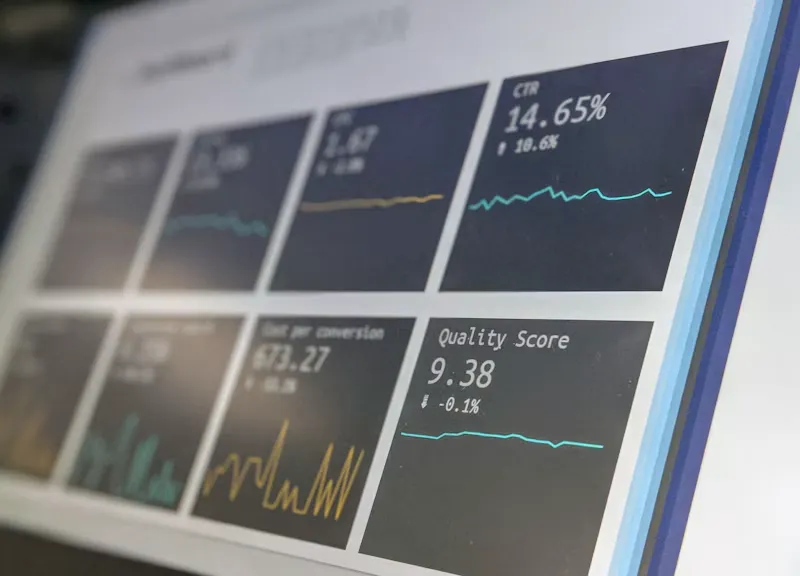
Crashlytics or Sentry · Xcode Organizer · early fixes.
Cloud services · handles App Store features and campaign spikes.
Keywords · subtitle · screenshots · product page tests.
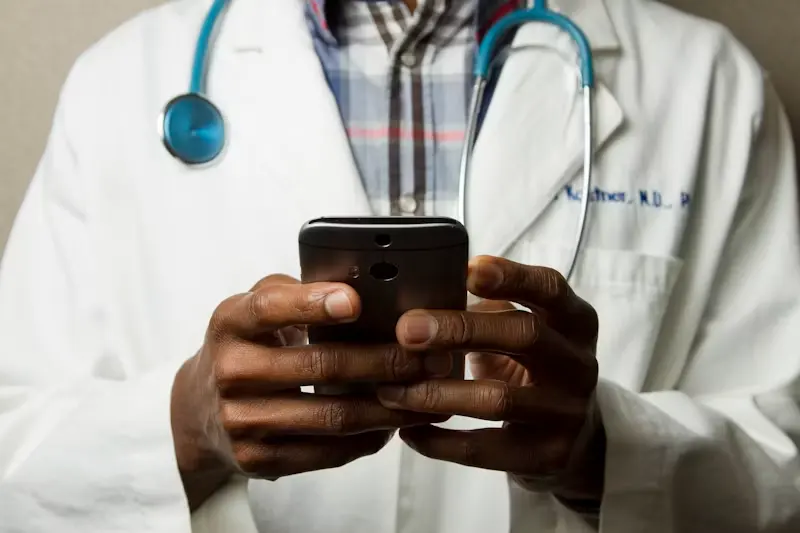
Teleconsultation · HealthKit · medicine alerts · doctor iPad apps.
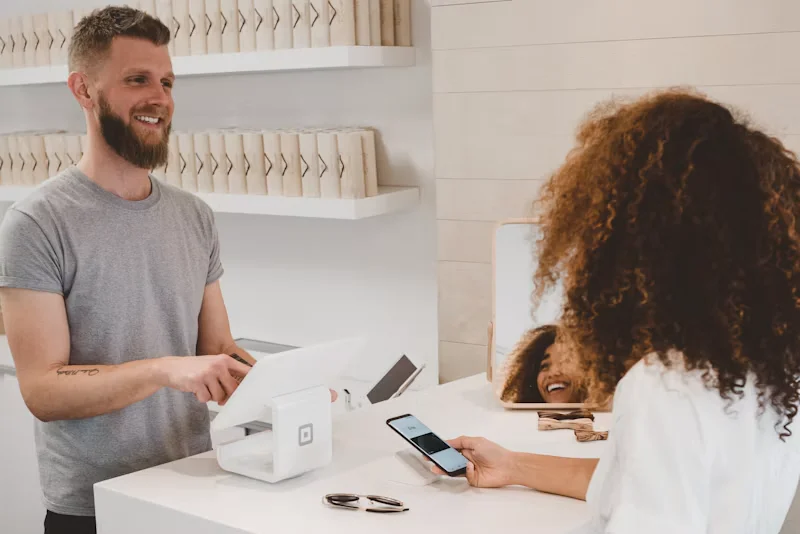
Shopping · Apple Pay · wishlists · order status on lock screen.

Live Activities tracking · iPad dispatch dashboards.

iPad learning apps · Pencil support · offline lessons · progress tracking.
You'll be testing it on your own phone through TestFlight well before that. Here's how a standard project runs.
Features, devices, minimum iOS version and Apple services needed.
HIG-aligned screens and a tappable prototype.
Sprints with a new TestFlight build every two weeks.
External TestFlight with real users, device testing, review pre-check.
App Store review (often a day or two), then phased release.
Targeting professionals, US/UK users or premium Indian buyers? They pay for apps more often, so iPhone-first may suit you. We'll help you check.
Scope my iOS MVP
For founders
iPhone-first may suit premium Indian buyers
Download their iOS apps. Do they feel like iPhone apps, or Android apps in disguise?
Ask about SwiftUI. A current team should be comfortable with it.
Ask about their last rejection. Everyone gets one eventually. How they handled it tells you a lot.
Check the developer account. The app should live under your Apple account, not theirs.
Screens · backend · Apple services (HealthKit, StoreKit) · iPad or Watch versions. Itemised quote after a call.
Login, 8–10 screens, notifications and a simple admin panel.
Payments or subscriptions · integrations · offline mode · analytics · backend.
Multi-device apps, widgets, HealthKit or AR, and a heavier backend.
Monthly basis · work only on your app · use your tools and ceremonies.
See developer profilesWho it's for, what it should do, and whether you need iPad or Apple Watch too. We'll get back within a working day.
sales@softfix.in
Phone
+91 81890 10044
Address
1st Floor, CP/140, Viraj Khand-4, Gomti Nagar, Lucknow, Uttar Pradesh 226010
to help our experts understand your business objectives and create your customized plan.