
GitHub Actions workflow development
We write reusable workflows your repos can share, so a fix in one place reaches every project. Secrets, environments and runners get set up along the way.

We're a CI/CD automation company in India. We write the pipelines that build, test and ship your code, then tune them until a release is something you do on a Tuesday afternoon without a second thought.

Most teams don't need a new tool. They need the one they have set up properly. Our continuous integration and continuous delivery services start from your current setup and fix what's slowing you down.
We write reusable workflows your repos can share, so a fix in one place reaches every project. Secrets, environments and runners get set up along the way.
Plenty of companies still run Jenkins, and it can work well. We clean up old freestyle jobs, move them to Jenkinsfiles and sort out plugins. If you'd rather leave Jenkins, we handle that move too.
We set up .gitlab-ci.yml templates, shared runners and merge request pipelines. Review apps let your testers check a change before anyone merges it.
For teams on Microsoft's stack, we build multi-stage YAML pipelines in Azure DevOps Pipelines, wired into your boards, repos and Azure subscriptions.
New versions go out next to the old one. Traffic moves over in a controlled way, and if something looks wrong, one command puts users back on the previous version.
Production deploys can wait for a sign-off from the right person, a passing health check or a quiet time window. Each approval is logged, which keeps auditors happy.
Slow builds waste developer time every day. We add build caching for dependencies and Docker layers, and split your test suite across several build agents so it finishes sooner.
Images get built once, scanned, signed and pushed to an artifact repository such as ECR, GHCR, Harbor or JFrog. The same image then moves from staging to production unchanged.
Pipelines that deploy to ECS, EKS, Lambda or EC2, with infrastructure as code in Terraform or CloudFormation running through the same review process as your app.
Older apps can have pipelines too. We script the manual steps your team runs today, one at a time, until the release no longer depends on one person's notes.
We get asked this a lot. The fair answer is that each one suits a different kind of team. Here's how they compare in practice.
| Point of comparison | GitHub Actions | GitLab CI | Jenkins |
|---|---|---|---|
| Where it runs | Hosted by GitHub, or on your own runners | GitLab.com or your own GitLab server | Always on servers you manage |
| Pipeline format | YAML pipelines in the repo | YAML pipelines in the repo | Groovy-based Jenkinsfile |
| Setup effort | Low if your code is already on GitHub | Low if your code is already on GitLab | Higher, since you maintain the server and plugins |
| Ready-made building blocks | A large marketplace of shared actions | Templates and CI/CD components | Thousands of plugins, of varying quality |
| Best suited to | Teams on GitHub who want little upkeep | Teams wanting code, CI and security scans in one product | Complex or on-premise builds that need full control |
Verdict: Our usual advice: stay close to where your code lives. If you're on GitHub, GitHub Actions is hard to beat for day-to-day work. If you need everything on your own hardware with unusual build steps, Jenkins still earns its place.
Both are ways to release without downtime. The difference is how fast users move to the new version. Pick a strategy below and step through a release.
You want a clean switch and an instant way back. It needs enough capacity to run two full copies of your app for a short while.
You'd rather test the new version on a small slice of real users first. It suits busy apps where a bad release would hit lots of people.
Either strategy works best with health checks, database changes that old and new code can both handle, and feature flags so unfinished features can ship switched off. We set up all three as part of the rollout.
This is the order we usually follow when building a pipeline from scratch. Each stage only runs if the one before it passed.
A push or pull request starts the pipeline. The pipeline itself lives in the repo as code.
Build agents compile the app and reuse cached dependencies, so repeat builds stay quick.
Automated testing in a CI/CD pipeline covers unit tests first, then integration and end-to-end tests, run in parallel.
Dependency and container scans run here. For supply chain security, we also generate an SBOM and sign the build.
The tested build goes into an artifact repository with a version number, ready to deploy anywhere.
Staging gets it automatically. Production waits for an approval, then rolls out with blue-green or canary.
Lint, test and build on each pull request, with a preview link for every branch. Production builds go to S3 and CloudFront, Vercel, Netlify or your own servers.
Mobile adds signing certificates, store builds and macOS runners. We automate Android and iOS builds with Fastlane and send test builds to TestFlight and Play Console tracks.
Short-lived credentials through OIDC, so no long-term keys sit in your CI tool. Deploys to ECS, EKS or Lambda run alongside Terraform changes.
Shared templates mean each team starts from an approved pipeline. Branch protection, approval gates and audit logs come built into those templates.
Moving CI tools sounds risky. It doesn't have to be, as long as both systems run side by side for a while.
We go through every Jenkins job, plugin and credential and note which ones still matter.
Each job becomes a GitHub Actions workflow. Shared steps turn into reusable actions.
Jenkins keeps deploying while the new workflows run alongside it. We compare the results until they match.
Pipelines move across one at a time. When the last one is done, Jenkins can be shut down.
We track DORA metrics before and after the work, so the improvement is something you can point to.
How often do you release?
Once releases are automated, teams tend to ship smaller changes more often.
How long from commit to production?
Faster builds and fewer manual steps shrink this number.
How many releases need a fix?
Tests and canary releases catch problems before most users see them.
How quickly can you roll back?
With blue-green in place, going back to the last version is a single step.
A single web app with decent tests can have a working pipeline in about [1 to 2 weeks]. Several services, mobile apps or a migration from another tool take longer. After a short review, we'll tell you the real figure for your setup.
Price depends on how many apps and environments you have, which platform you use and whether you want ongoing help. You'll get a fixed quote before we start.
We review your current pipelines and hand you a clear plan to fix them.
We build or migrate your pipelines and hand them over, fully documented.
We look after your pipelines month to month so your team can stay on product work.
 DevOps
Explore advanced DevOps solutions from Softfix Technologies, including CI/CD automation, infrastructure as code, cloud optimization, and streamlined deployment workflows.
Learn more DevOps
Softfix Technologies provides Docker and containerization services to simplify application deployment, improve scalability, and create consistent development environments.
Learn more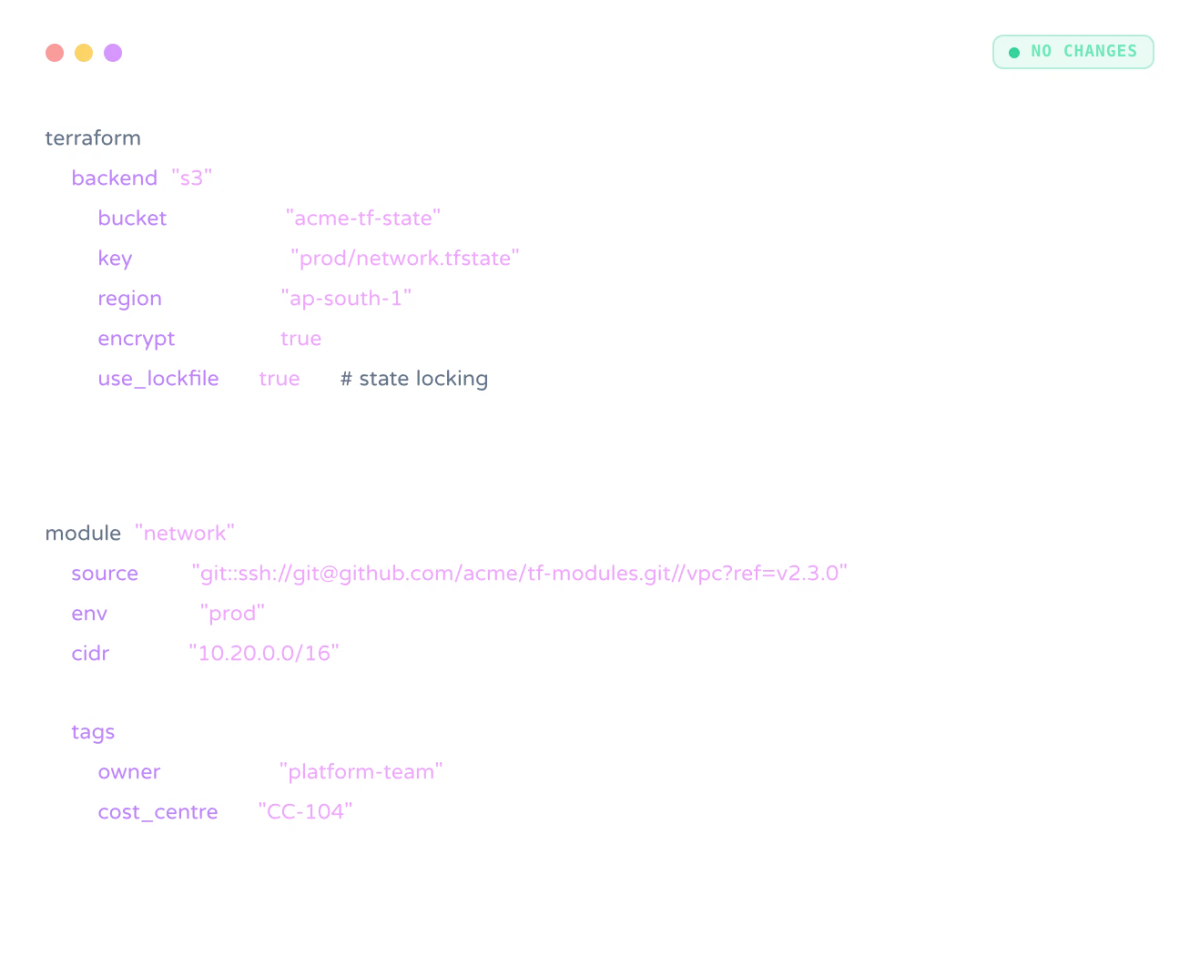 DevOps
Softfix Technologies delivers Infrastructure as Code solutions to automate cloud infrastructure, simplify deployments, improve consistency, and support scalable DevOps workflows.
Learn more QA Testing
Accelerate software testing with Softfix test automation services that improve efficiency, reduce manual effort, and support faster, reliable releases.
Learn moreStack, CI tool, team size, and what's slow or scary about your current pipeline. We'll reply within a working day with a short review plan and a fixed-fee audit proposal.
[email protected]
Phone
+91 81890 10044
Address
1st Floor, CP/140, Viraj Khand-4, Gomti Nagar, Lucknow, Uttar Pradesh 226010
to help our experts understand your business objectives and create your customized plan.